

Glossary
Your organization's terminology, defined and centralized.
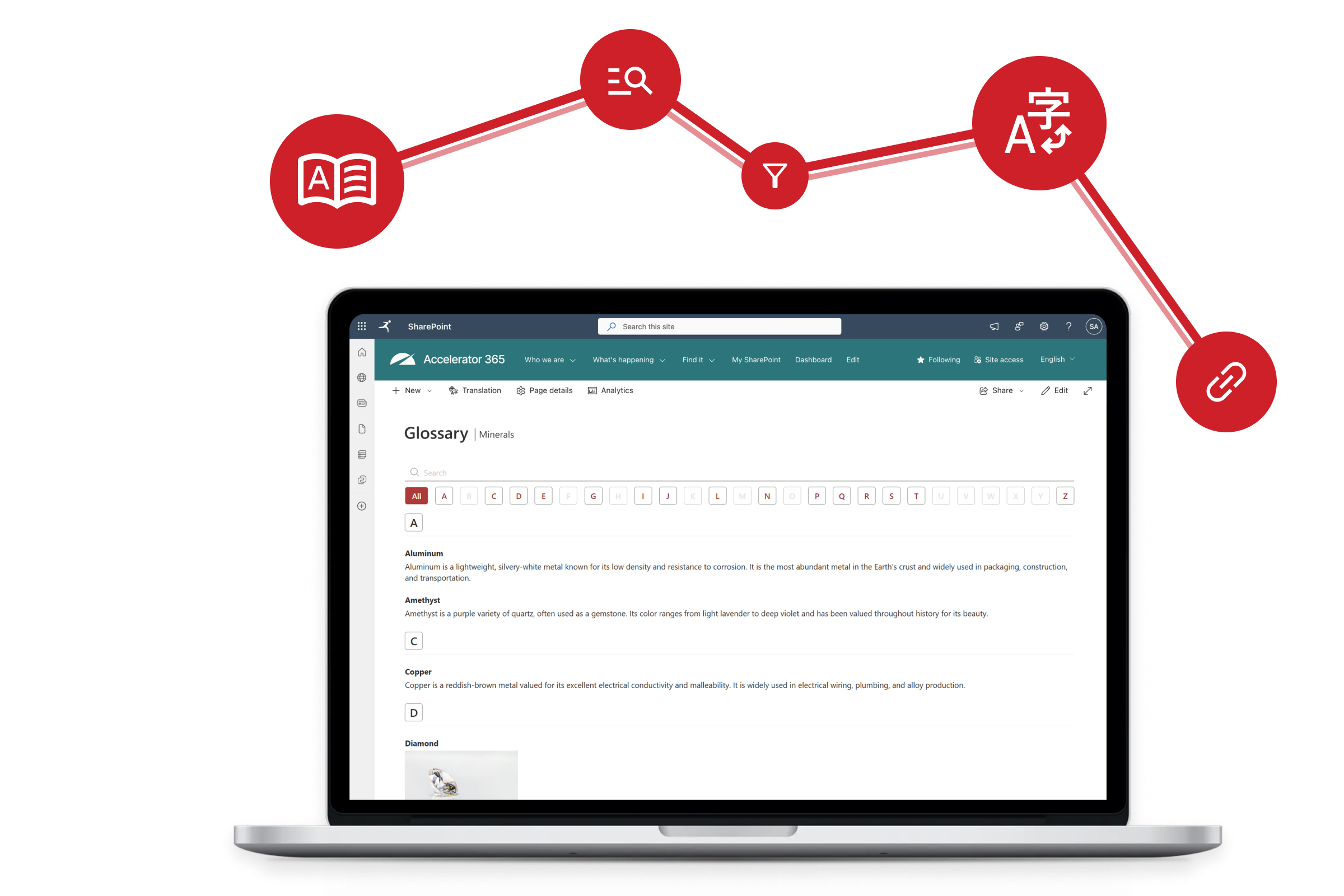
Make complex terminology easier to understand across your organization with the Glossary web part. Designed for modern SharePoint intranets, it allows editors to create and manage a centralized glossary of terms and definitions directly within a SharePoint page.
By presenting terminology in a clear, searchable format, the Glossary web part helps employees quickly find explanations, understand internal language, and navigate organizational knowledge with confidence.
Try the Glossary app on Microsoft Marketplace for free today!
Navigate internal terminology with ease.
Many organizations rely on internal terminology, acronyms, and specialized language that can be difficult for employees to understand - especially for new hires or colleagues working across teams. When definitions are scattered across documents or buried in knowledge bases, employees waste time searching for explanations or asking colleagues for clarification.
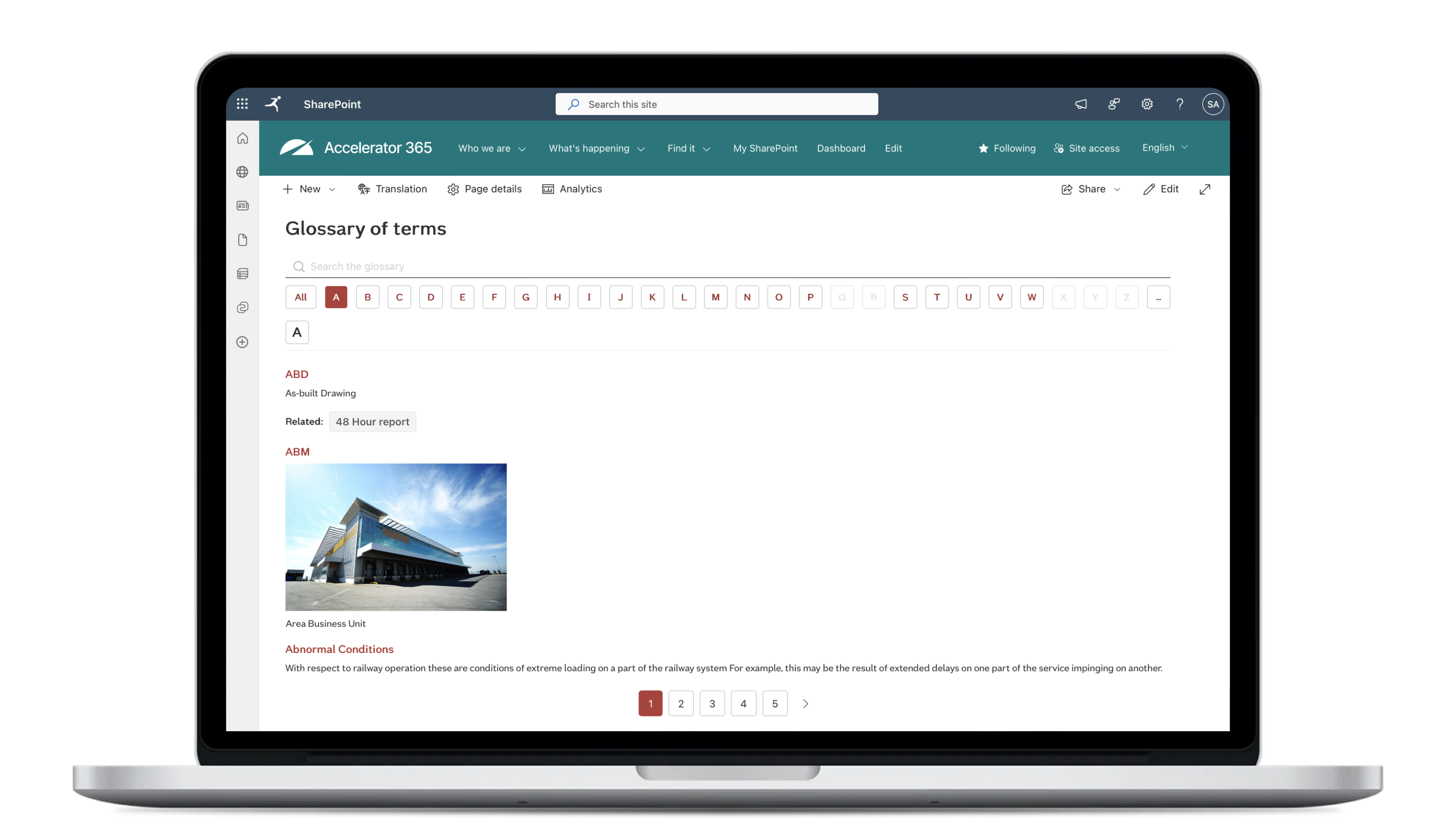
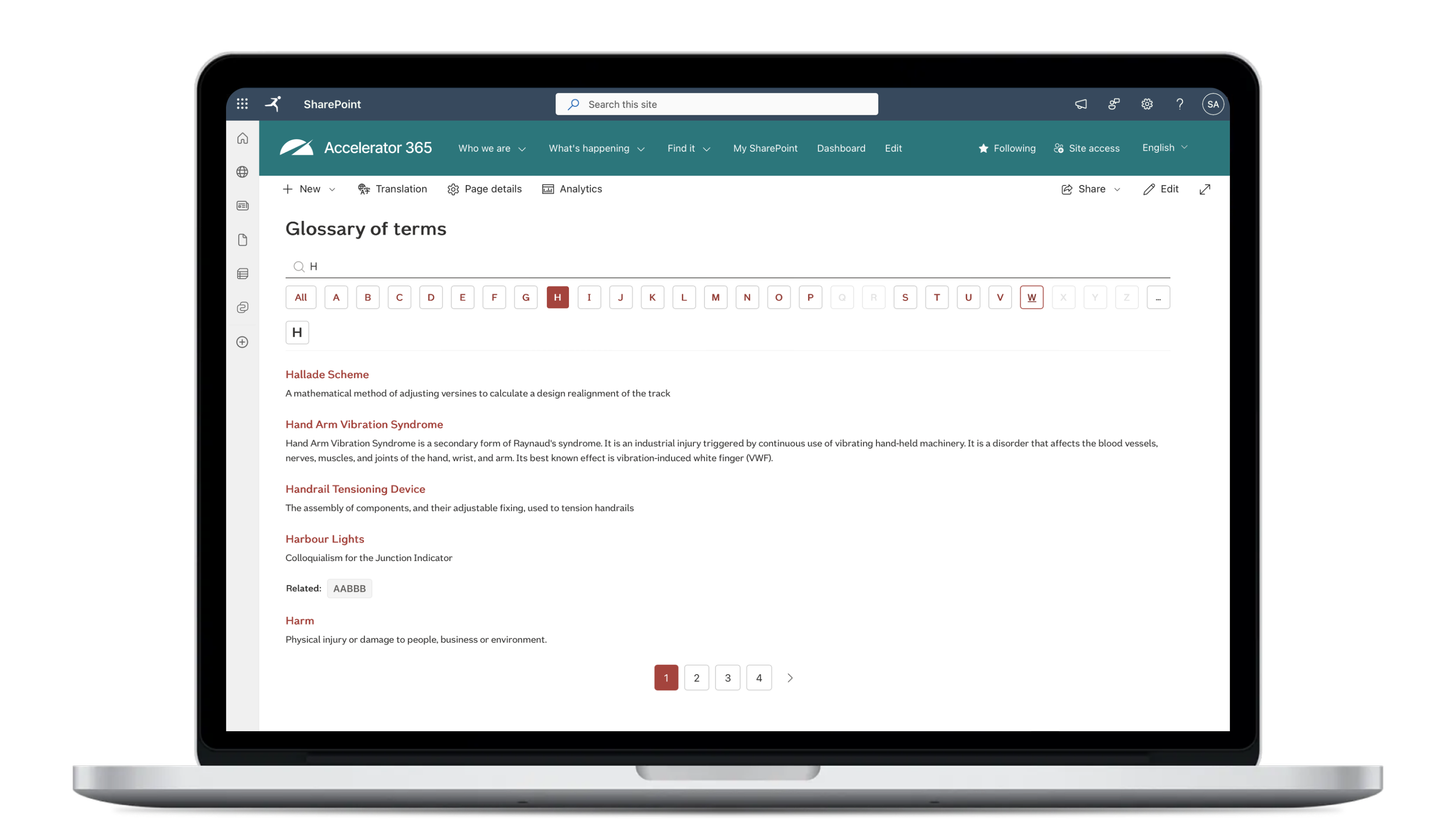
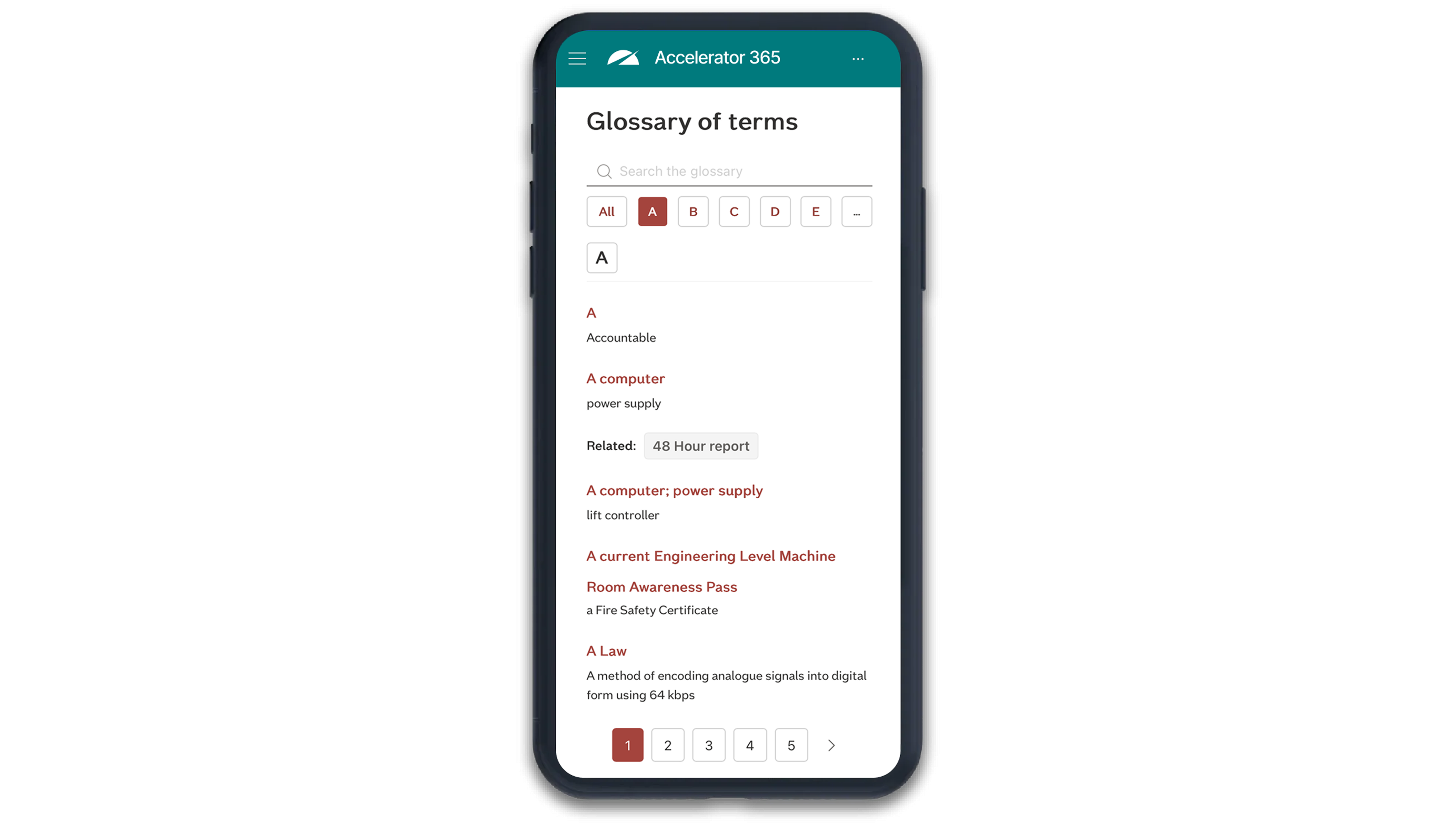
The Glossary app solves this by providing a structured, easy-to-browse glossary directly within SharePoint. Terms and definitions are stored in a SharePoint list and displayed in a clean, intuitive interface that allows users to explore terminology alphabetically, search for specific entries, or navigate related terms.
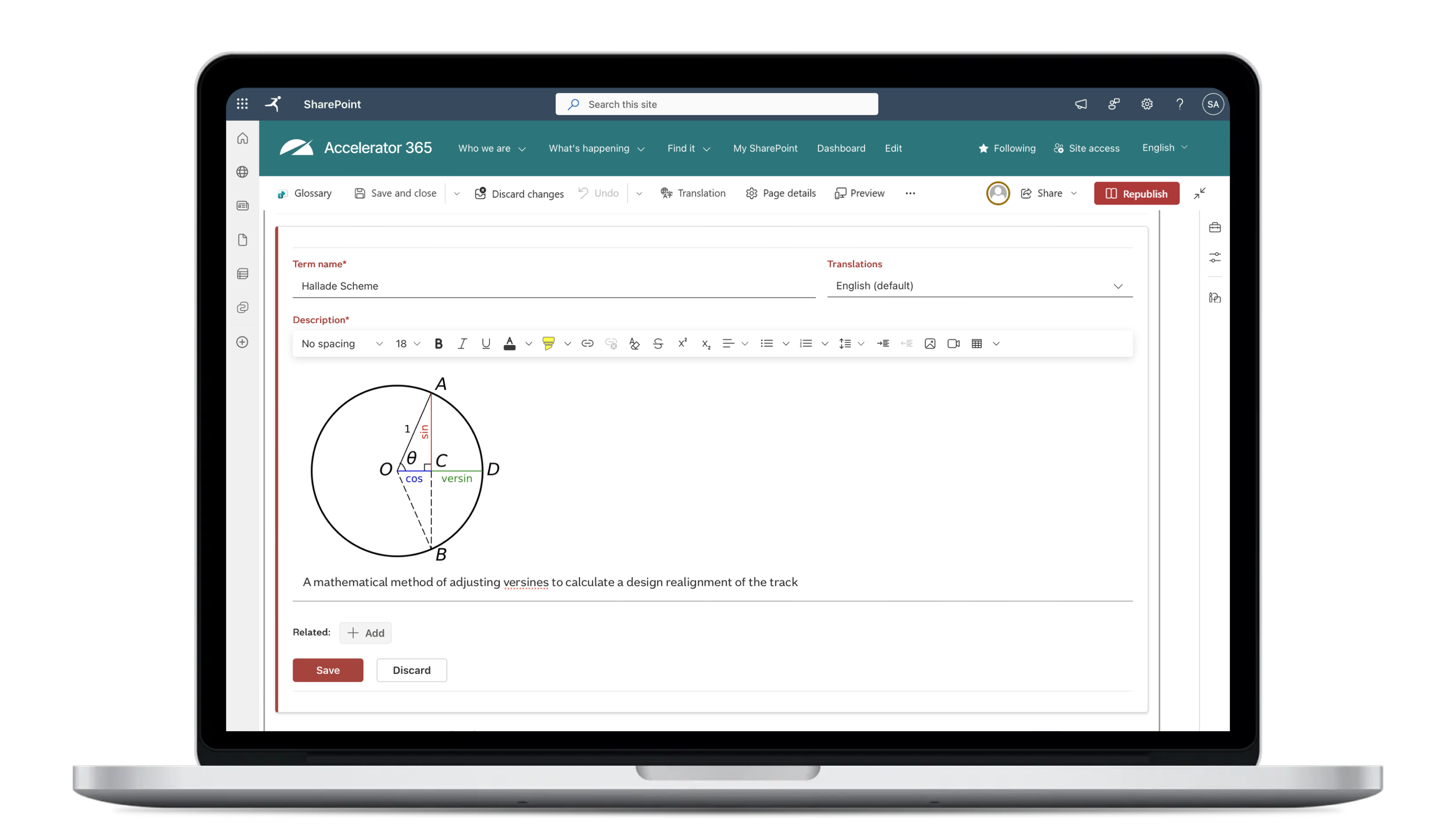
Content editors can easily manage glossary entries directly from the page, update definitions without leaving the web part, and create multiple language variants while maintain a single, structured glossary source. Features such as deep linking, CSV import and export, and flexible filtering make it simple to maintain a large knowledge base while keeping information easy to access.
Navigate internal terminology with ease.
Many organizations rely on internal terminology, acronyms, and specialized language that can be difficult for employees to understand - especially for new hires or colleagues working across teams. When definitions are scattered across documents or buried in knowledge bases, employees waste time searching for explanations or asking colleagues for clarification.
The Glossary app solves this by providing a structured, easy-to-browse glossary directly within SharePoint. Terms and definitions are stored in a SharePoint list and displayed in a clean, intuitive interface that allows users to explore terminology alphabetically, search for specific entries, or navigate related terms.
Content editors can easily manage glossary entries directly from the page, update definitions without leaving the web part, and create multiple language variants while maintain a single, structured glossary source. Features such as deep linking, CSV import and export, and flexible filtering make it simple to maintain a large knowledge base while keeping information easy to access.
Highlighted features
Centralized management
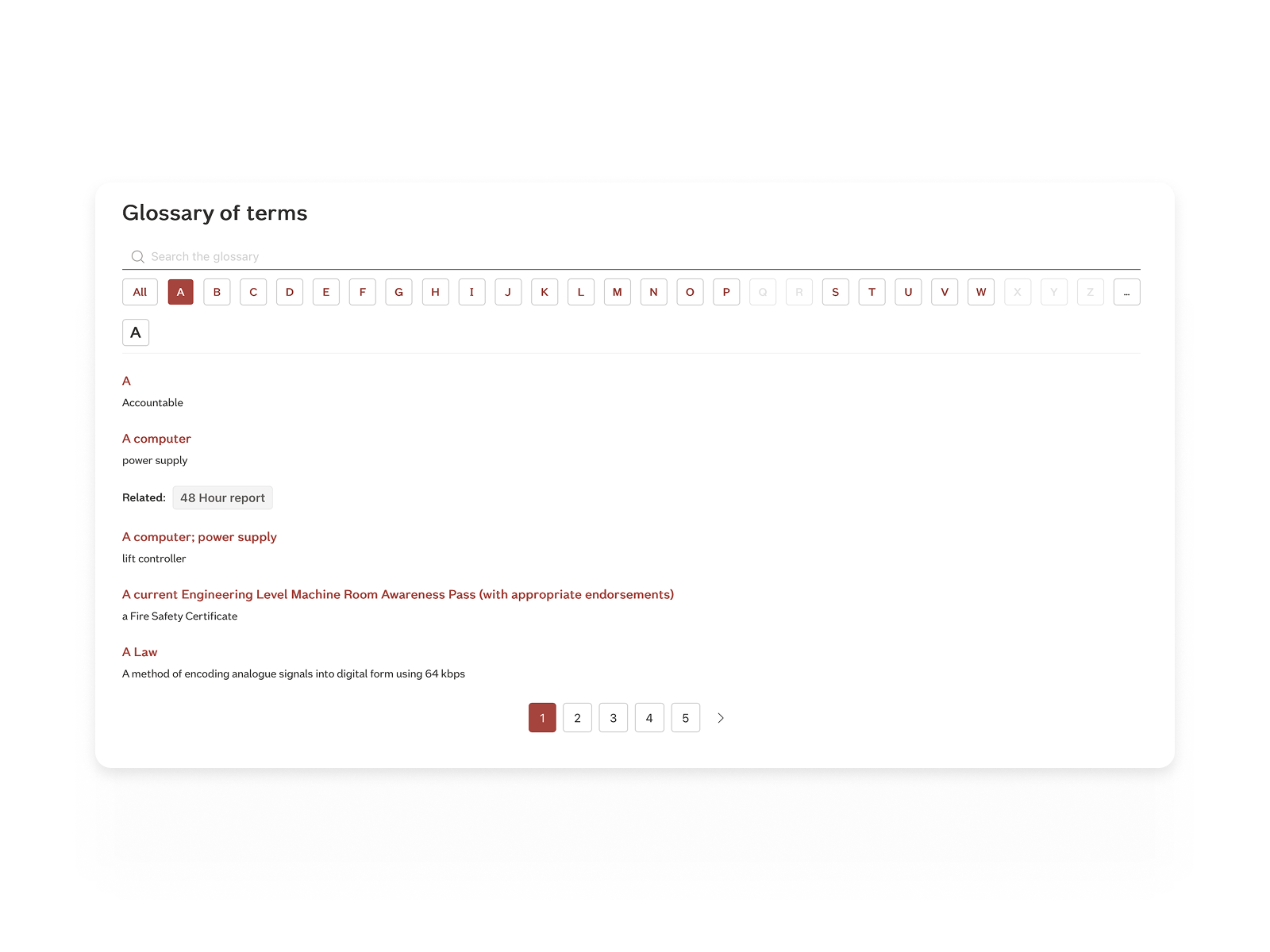
Store all terms and definitions in a SharePoint list, making it easy for editors to maintain and update terminology in one place.
A–Z browsing and smart filtering
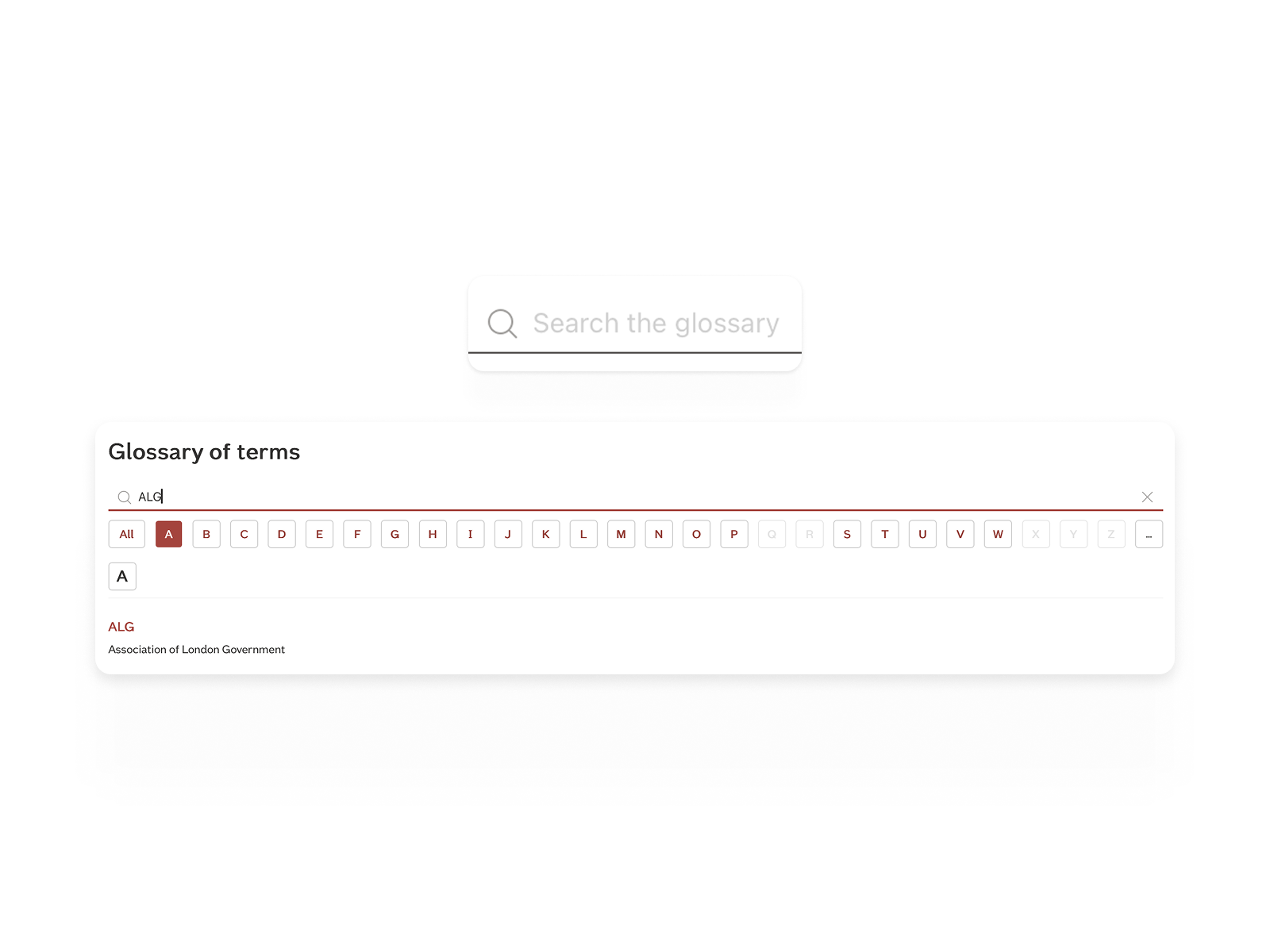
Help users quickly find terms through alphabetical navigation, filtering by title prefix, and focused search capabilities.
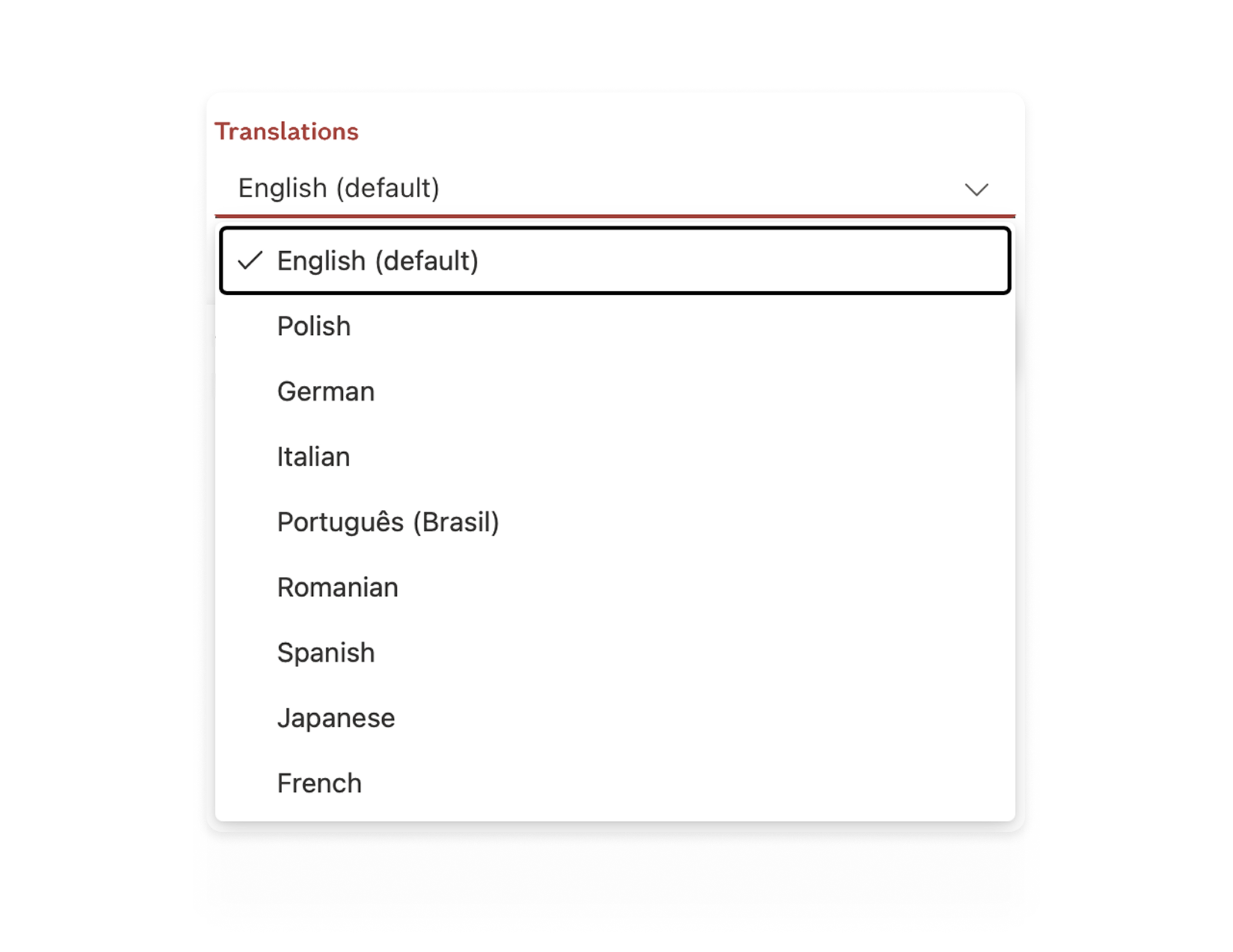
Multilingual glossary support
Support translated variants of glossary terms, allowing organizations to present definitions in multiple languages.
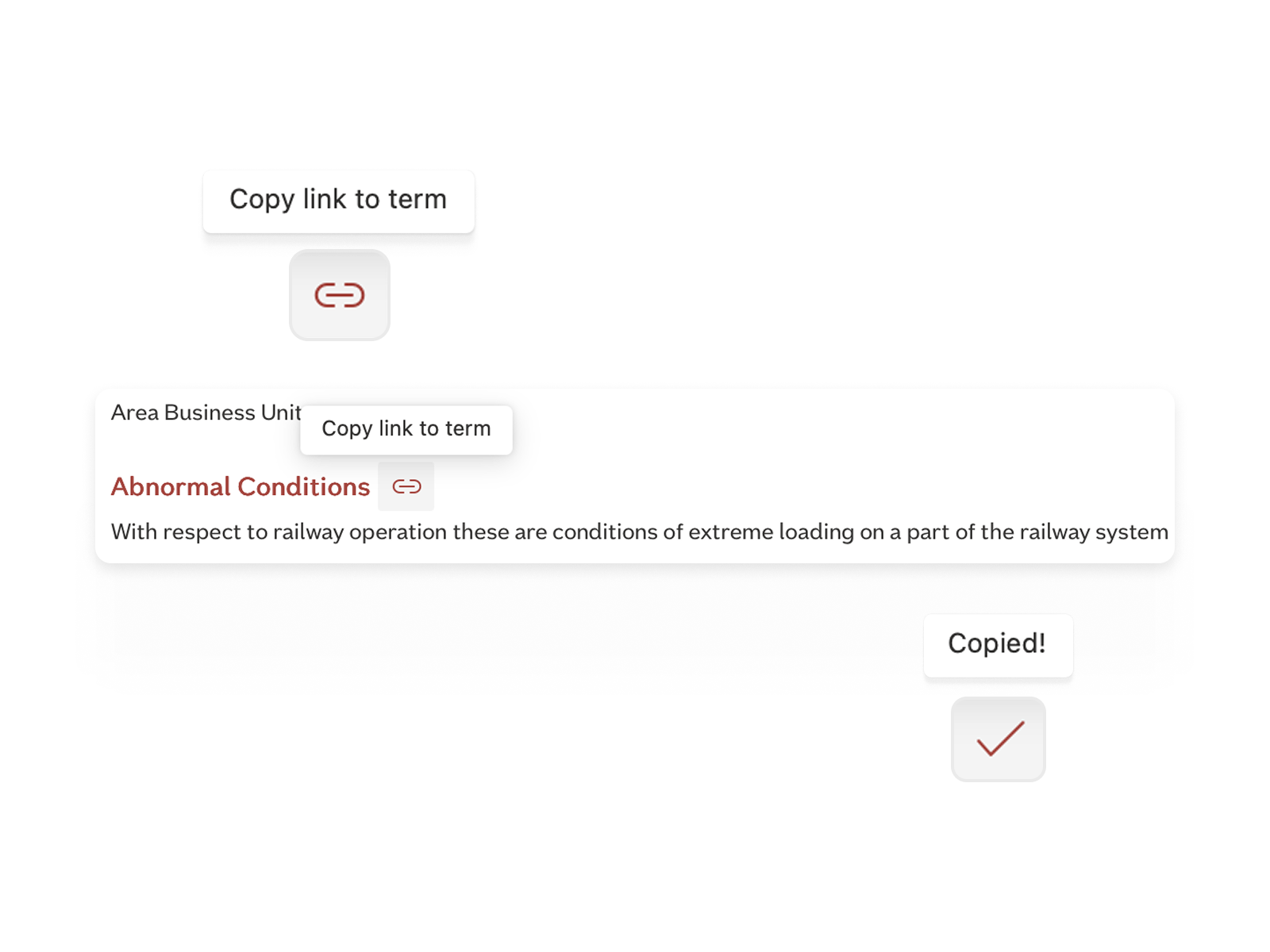
Deep linking
Share direct links to specific terms, allowing users to jump straight to the relevant definition within the glossary.
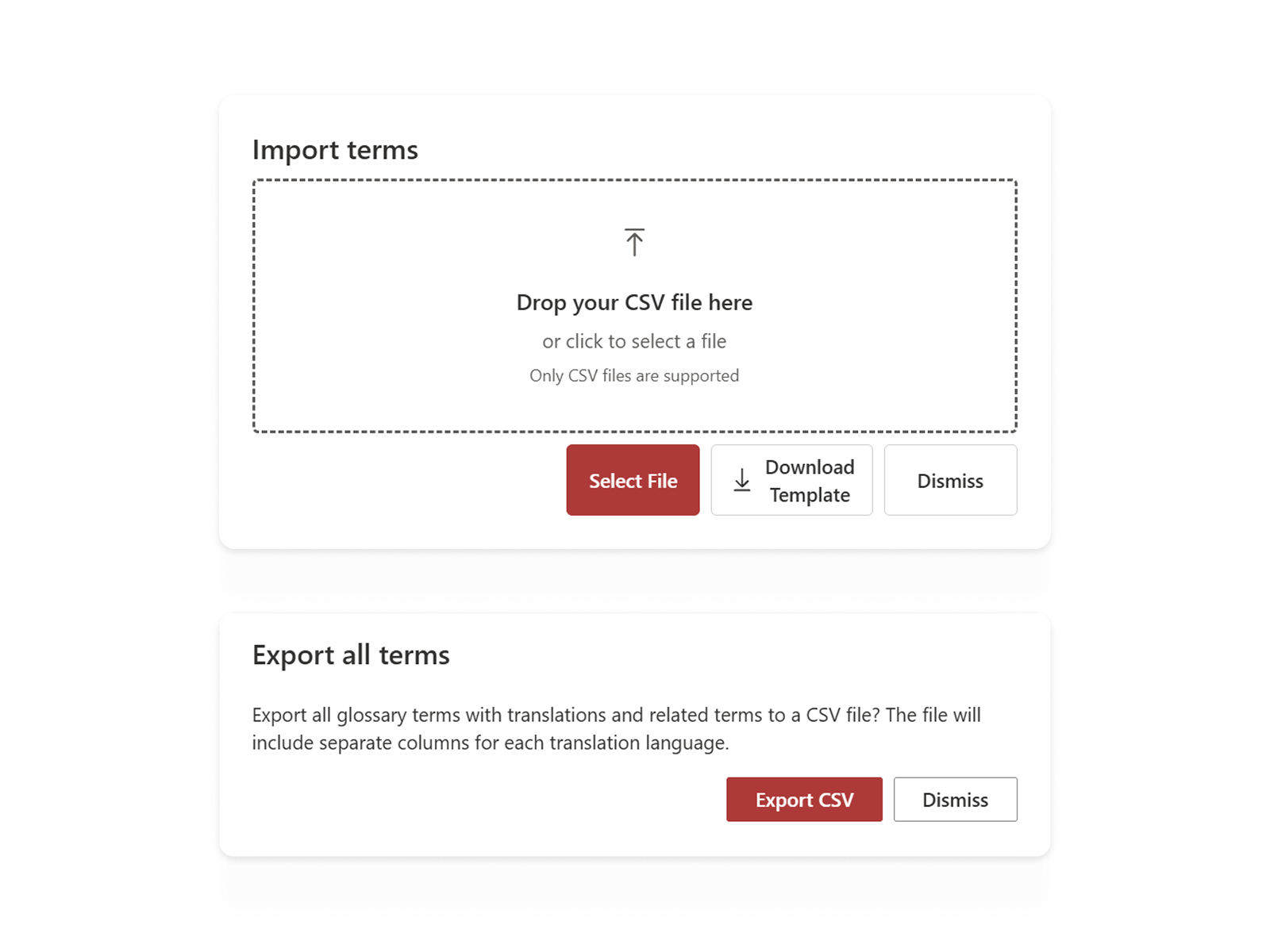
CSV import and export
Bulk manage glossary content by importing or exporting terms, descriptions, and related terms using CSV files.
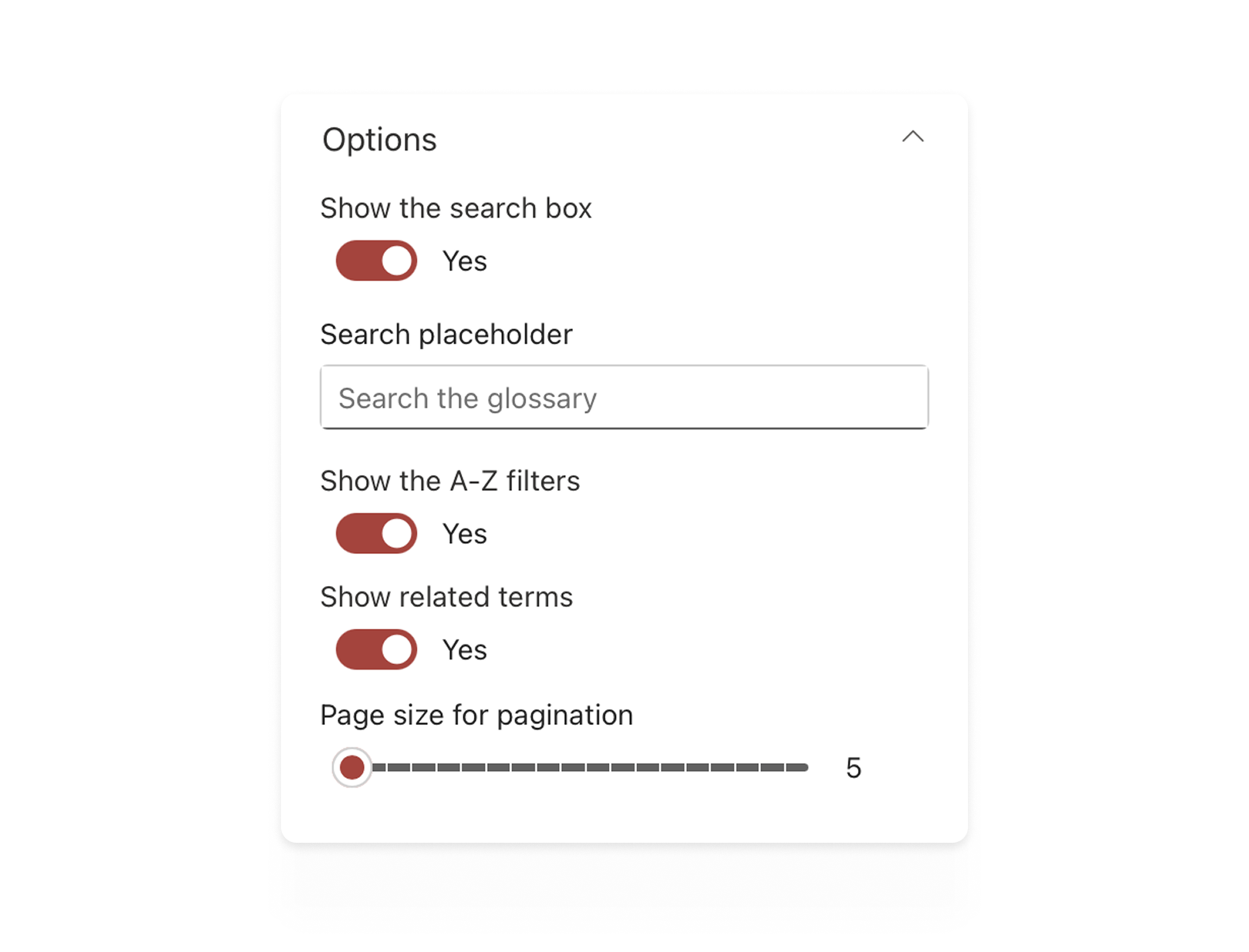
Flexible layouts
Built-in pagination and configurable display settings keep long glossaries easy to browse, helping users navigate terms quickly.
Knowledge Base
Questions? We’ve got answers.
Explore our Knowledge Base to quickly get the information you need about the Glossary app. From setup tips to feature guidance, we make it easy to get the most out of Glossary for your intranet.
You might also be interested in...